
Choose a router and a task
RADIUS Servers configures the selected router as a RADIUS client. The User Manager tabs manage its built-in RADIUS server and require the User Manager package. The two roles have different secrets and settings.
| Tab | What it provides |
|---|---|
| Reports & insights | All-user or per-user accounting, period/date filters, daily/cumulative traffic, session-start charts, distributions and a calendar. Export a JSON statistical report; individual session records are excluded. |
| RADIUS Servers | Add/edit a server address and secret, services, authentication/accounting ports, timeout, source address, realm/domain, UDP or RadSec, certificate and accounting backup. Enable, disable or remove entries. |
| Users | Filter accounts; add, edit, duplicate, enable/disable and remove through the row action menu or context menu. Read cumulative time, download/upload and latest retained connection date. |
| Profiles | Set names, user-facing names, validity, price, activation timing, shared-user override and comments. |
| Limitations | Define upload/download rates, minimum rates, bursts, thresholds/times, priority, traffic caps, uptime caps and reset timing. The list presents rates in MB/s; input examples such as 10M use RouterOS rate syntax. |
| NAS Clients | Register a NAS name/address, shared secret, CoA port, protocol and status. This is not the RADIUS Servers client list. |
| Assignments | Add or remove a user's profile assignment and inspect its state/end time. |
| Settings | Configure incoming CoA, reset RADIUS counters, enable User Manager/use-profiles, set certificate and ports, and adjust the host's usage-sampling interval. |
Create or edit a user
- Open Users → Add, or open the row menu and choose Edit.
- Enter the username, group, concurrent-user allowance, optional RADIUS attributes, Caller ID, OTP secret and comment. Enter a password or use the password generator; leaving it blank while editing keeps the current password.
- Choose the profile. Keep existing assignments explicitly leaves profile assignments alone. When changing profiles, review the displayed current assignments and validity note.
- Save and read the resulting status. Previous assignment history is retained; queued profiles can become eligible later. Existing VPN sessions may need to reconnect before new limits take effect.
Duplicate creates a draft with copied non-secret fields; supply the new account's credentials and review its profile before saving.
Read reports accurately
Counters depend on NAS accounting and are cumulative across sessions. Refresh does not reset them. Latest connection is the start of the latest retained accounting session in router local time, refreshed separately from live counters.
Reports show the last collected timestamp and whether a cached snapshot is refreshing, stale, partial or unavailable. A blank or unavailable value is not zero usage. The host sampling setting accepts 30 seconds to six hours; it does not change the router's accounting interval.
See last-connection semantics and all RADIUS/User Manager tool contracts.
Screen preview
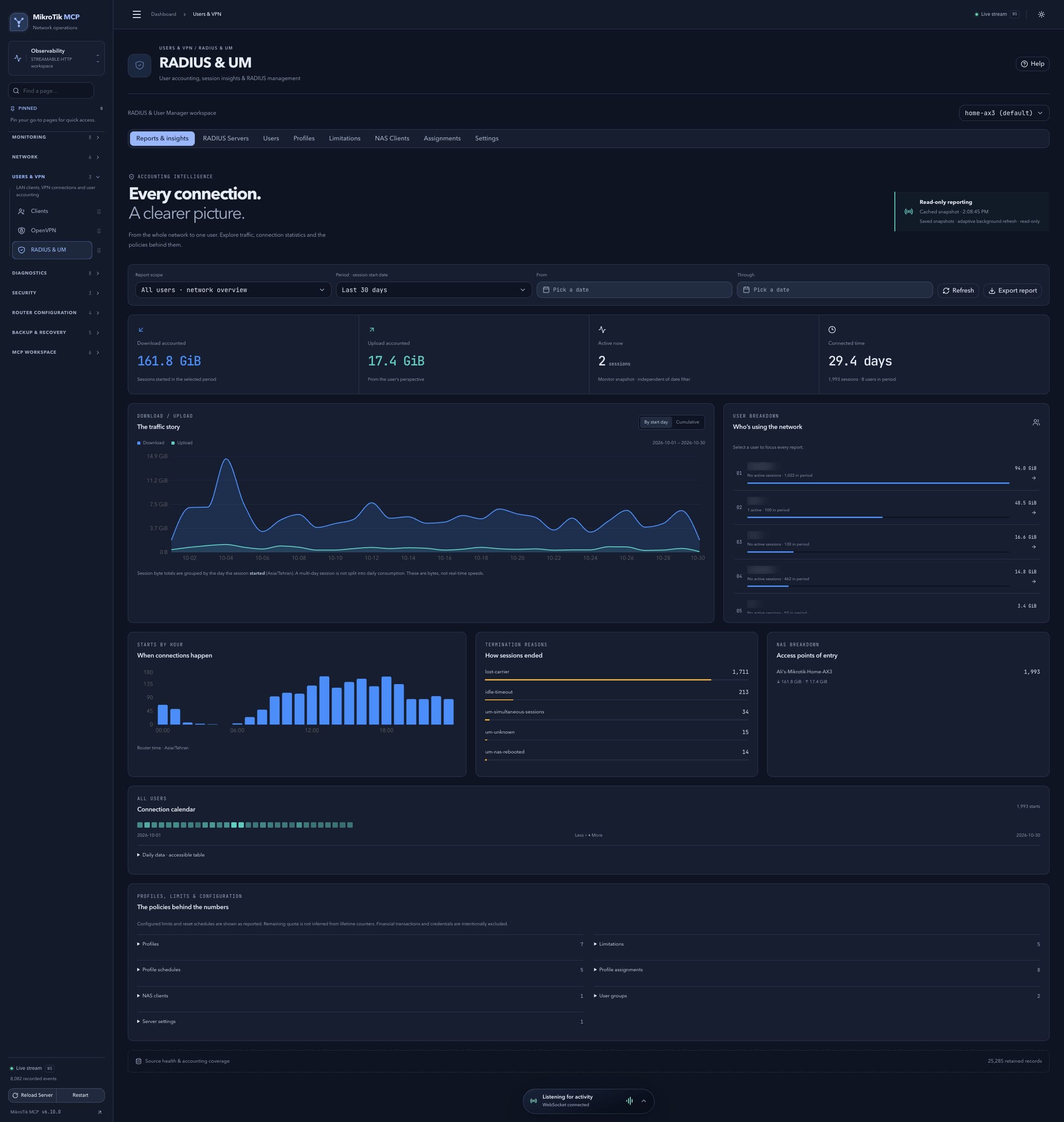 Full-page dashboard preview with IP addresses and snapshot/backup names blurredFull page · Click to enlarge ↗
IP addresses, snapshot/backup names and AAA/OpenVPN usernames are blurred in this full-page capture.
Additional screens
RADIUS servers
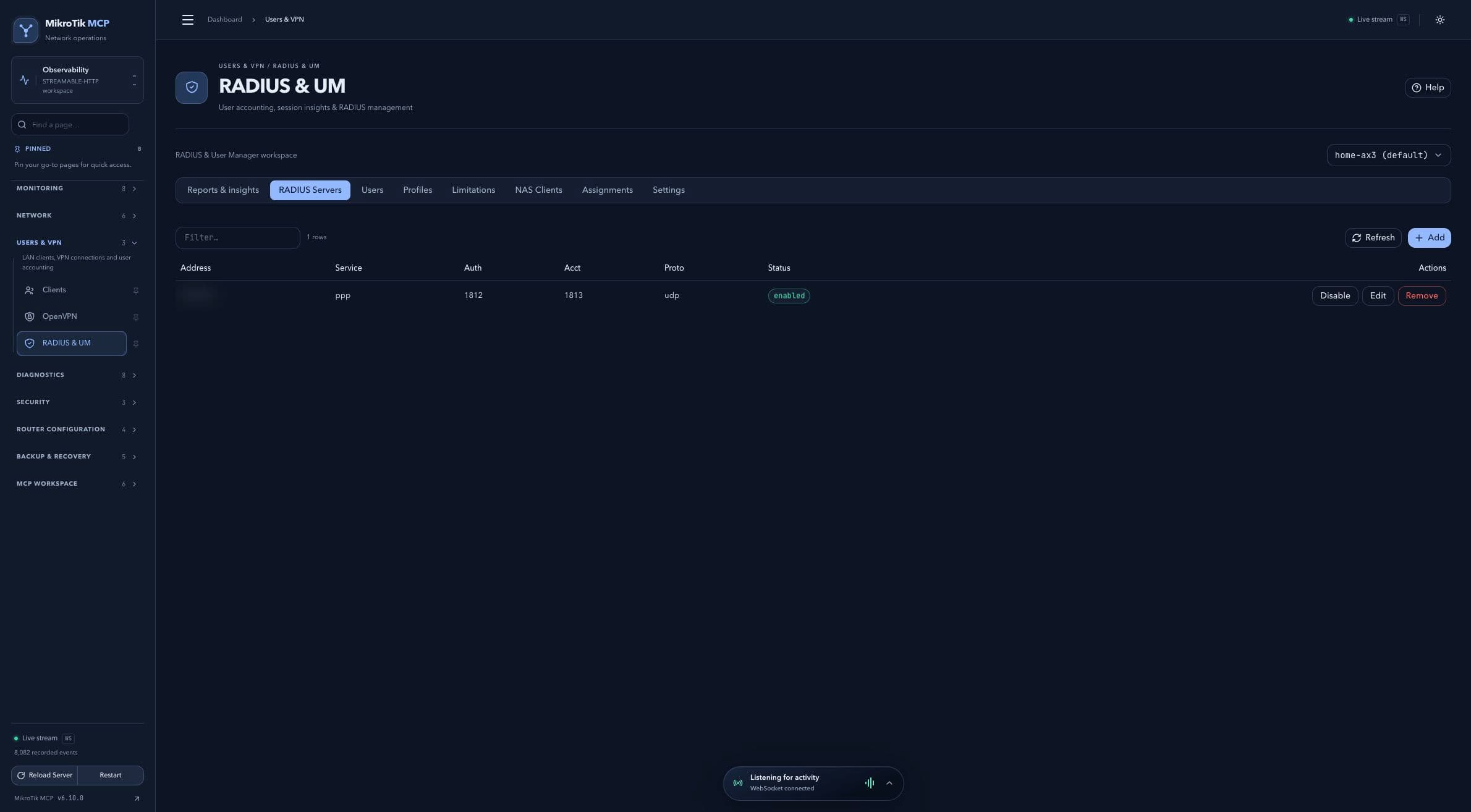 RADIUS servers; full-page capture with IPs and snapshot/backup names blurredFull page · Click to enlarge ↗
Users and accounting
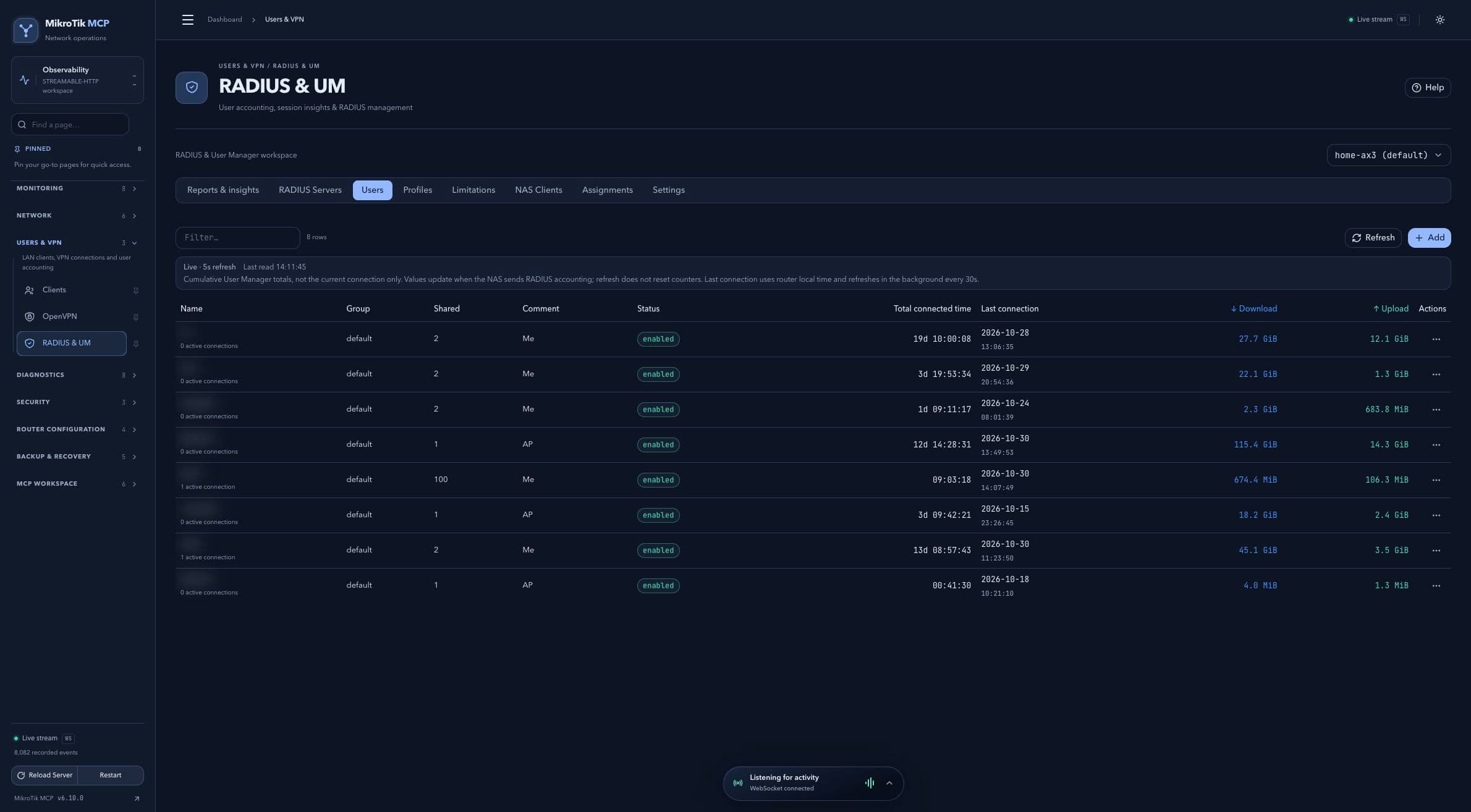 Users and accounting; full-page capture with IPs and snapshot/backup names blurredFull page · Click to enlarge ↗
Profiles
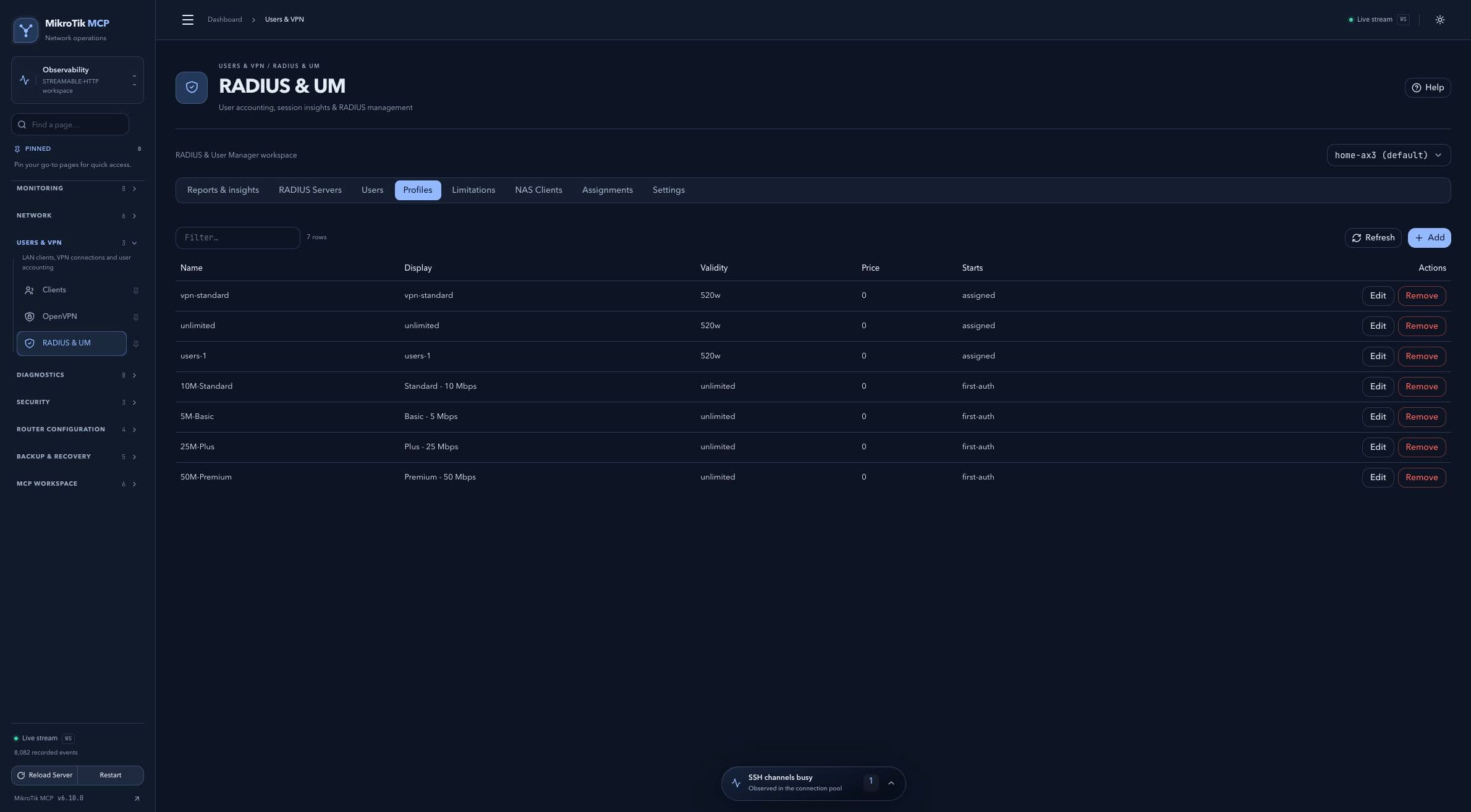 Profiles; full-page capture with IPs and snapshot/backup names blurredFull page · Click to enlarge ↗
Rate and usage limits
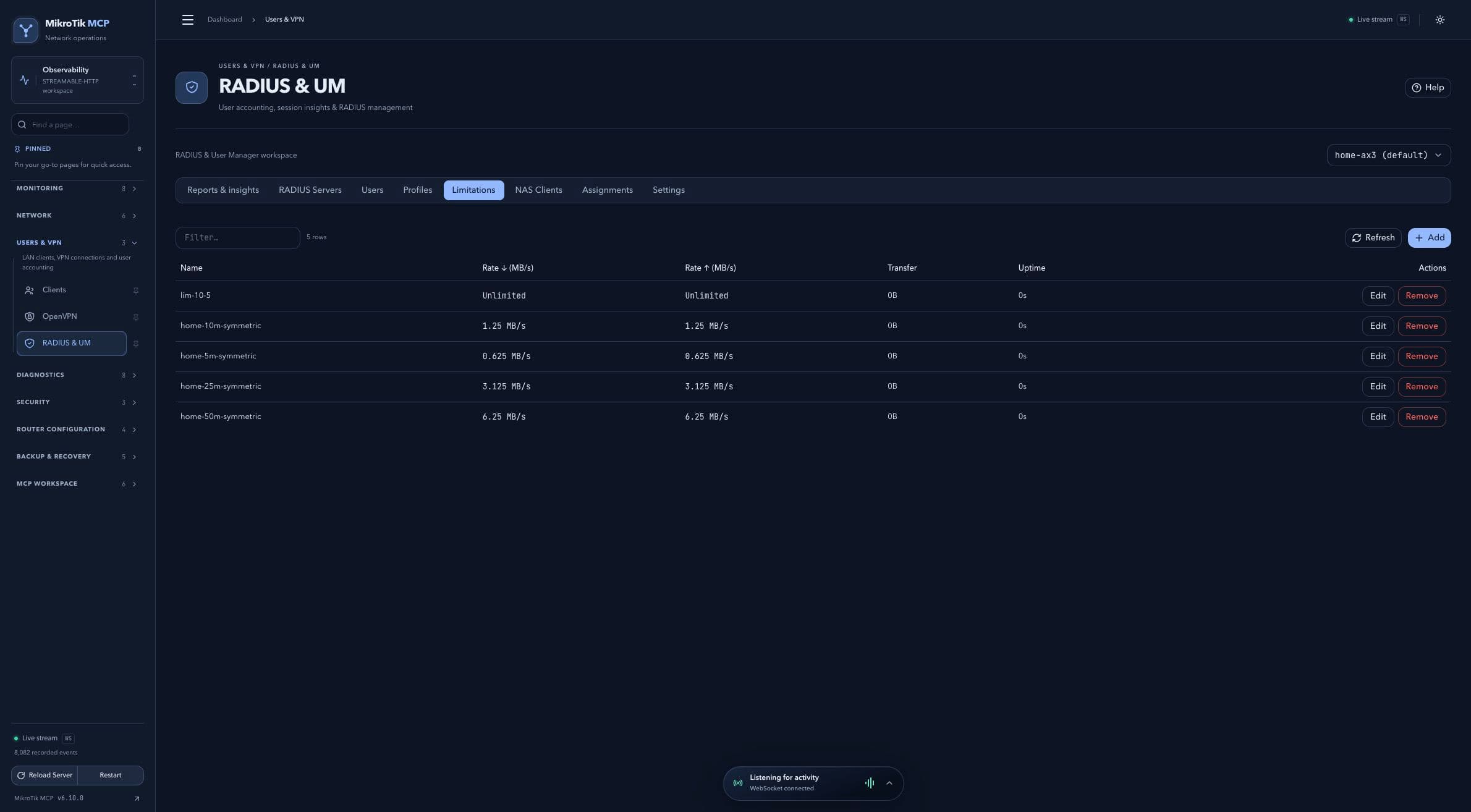 Rate and usage limits; full-page capture with IPs and snapshot/backup names blurredFull page · Click to enlarge ↗
NAS clients
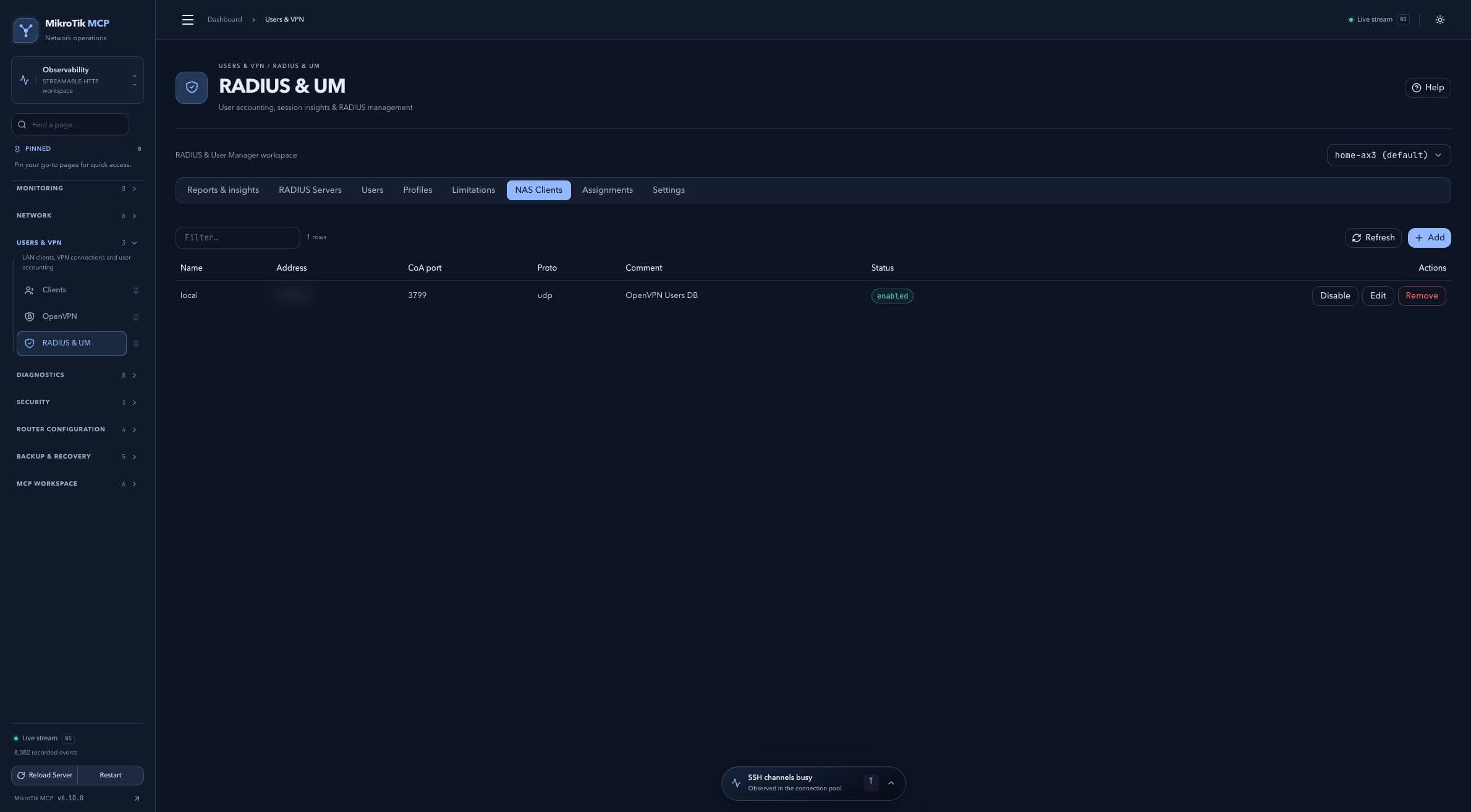 NAS clients; full-page capture with IPs and snapshot/backup names blurredFull page · Click to enlarge ↗
Profile assignments
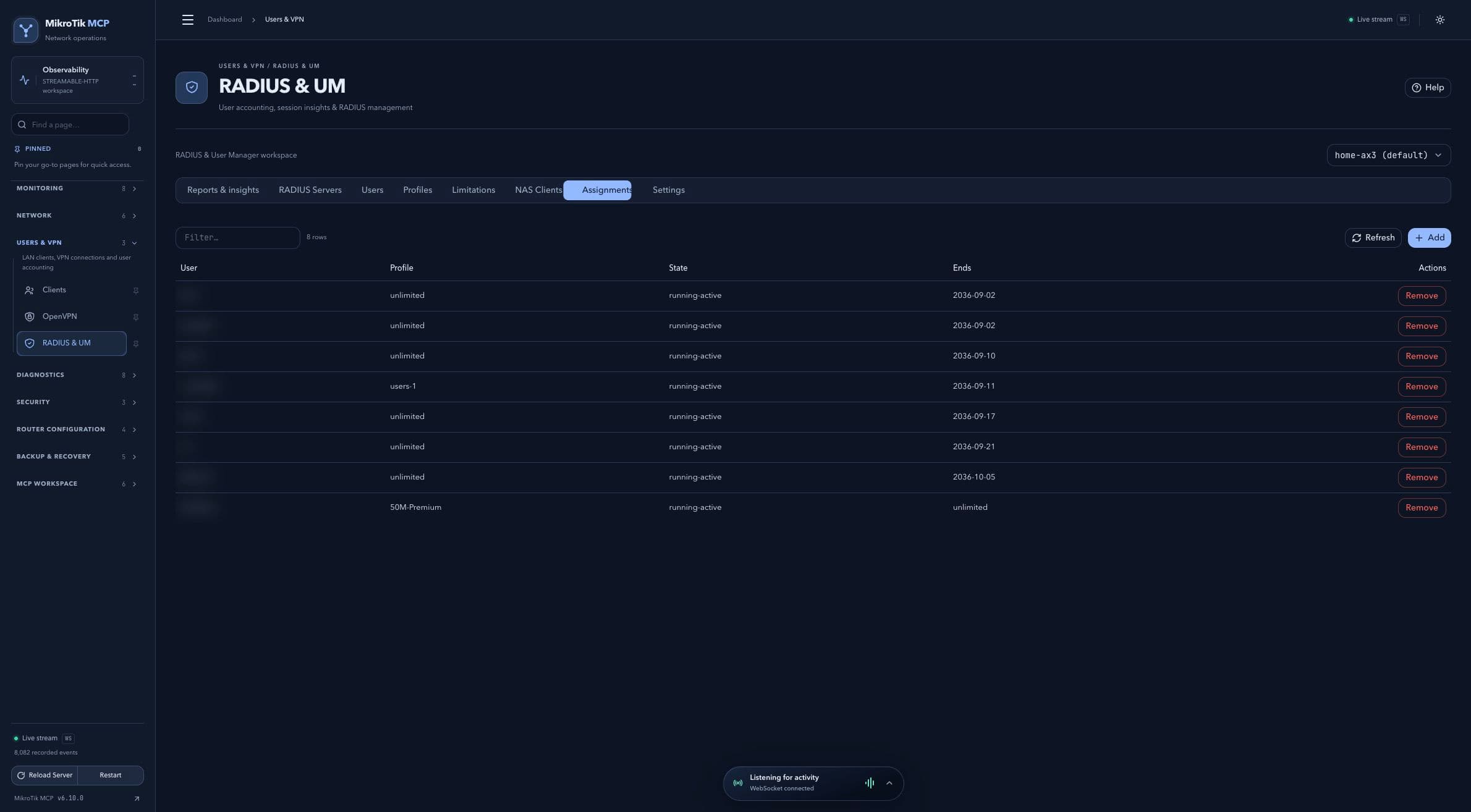 Profile assignments; full-page capture with IPs and snapshot/backup names blurredFull page · Click to enlarge ↗
Settings and sampling
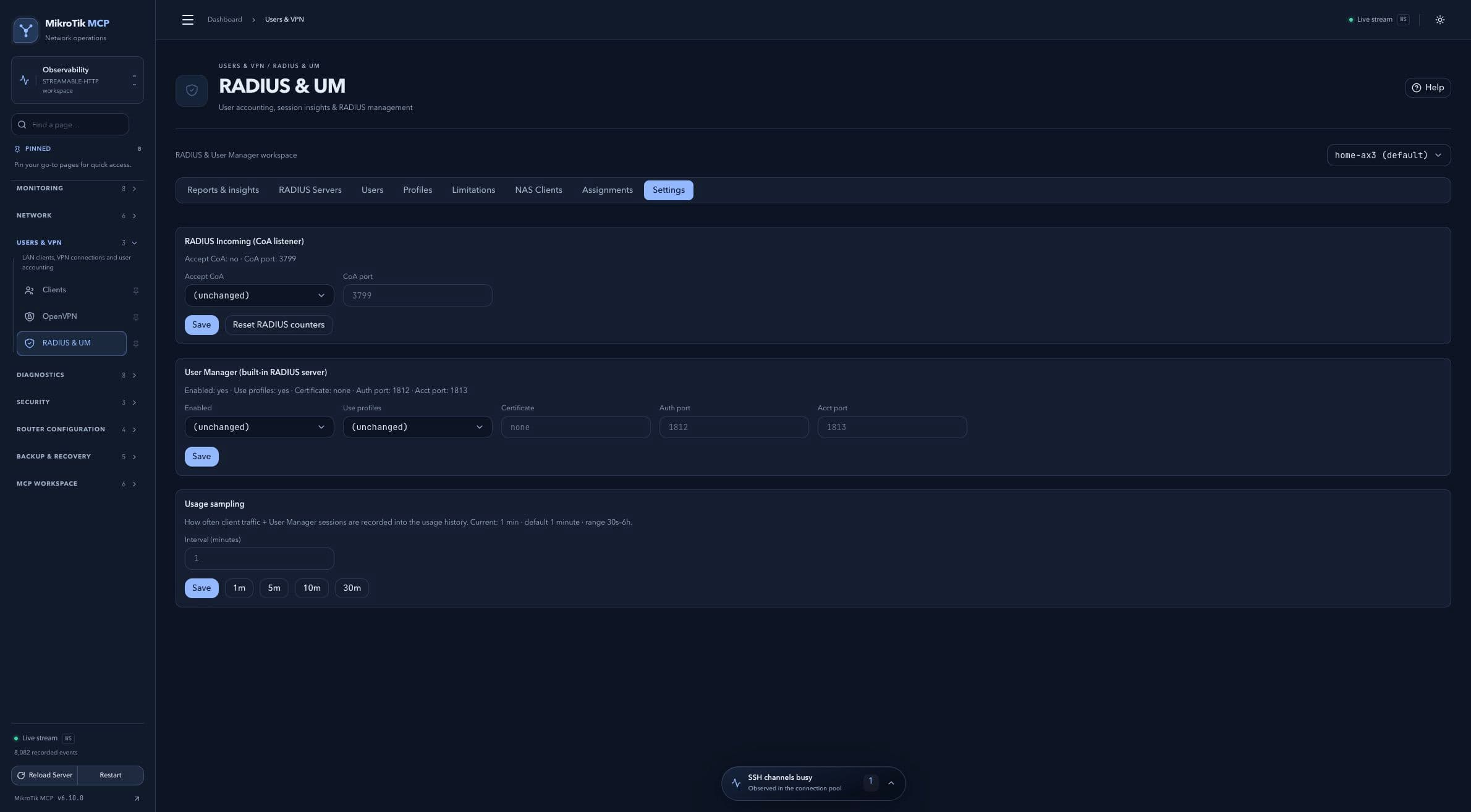 Settings and sampling; full-page capture with IPs and snapshot/backup names blurredFull page · Click to enlarge ↗