
Review a change, then monitor its rollout
Open Router configuration → Change Plan (#plan). The two tabs have different effects.
Dry-run
Paste intended RouterOS commands, one per line, and select Plan. The analyzer shows add/modify/remove counts, proposed order, per-command risk, lockout warnings and an overall score. This tab analyzes text without contacting a router. A low score is not proof that a script will succeed against the current configuration.
Pair the preview with Simulator, current configuration evidence and Safe Mode before an authorized apply.
Rollout
Create and start a rollout through plan_rollout and start_rollout. This tab lists saved and live rollouts; Refresh reloads them. Select one to inspect its wave board, per-device failures, commands, notes and event timeline.
For a live rollout, Hold, Resume and Abort control the running operation. These are operational actions, not dry-run buttons. Abort attempts to revert changes already applied. Inspect the terminal outcome and any revert-failed device; needs-attention requires recovery work rather than assuming everything was restored.
See change analysis and fleet rollout gates, targeting and failure policies.
Screen preview
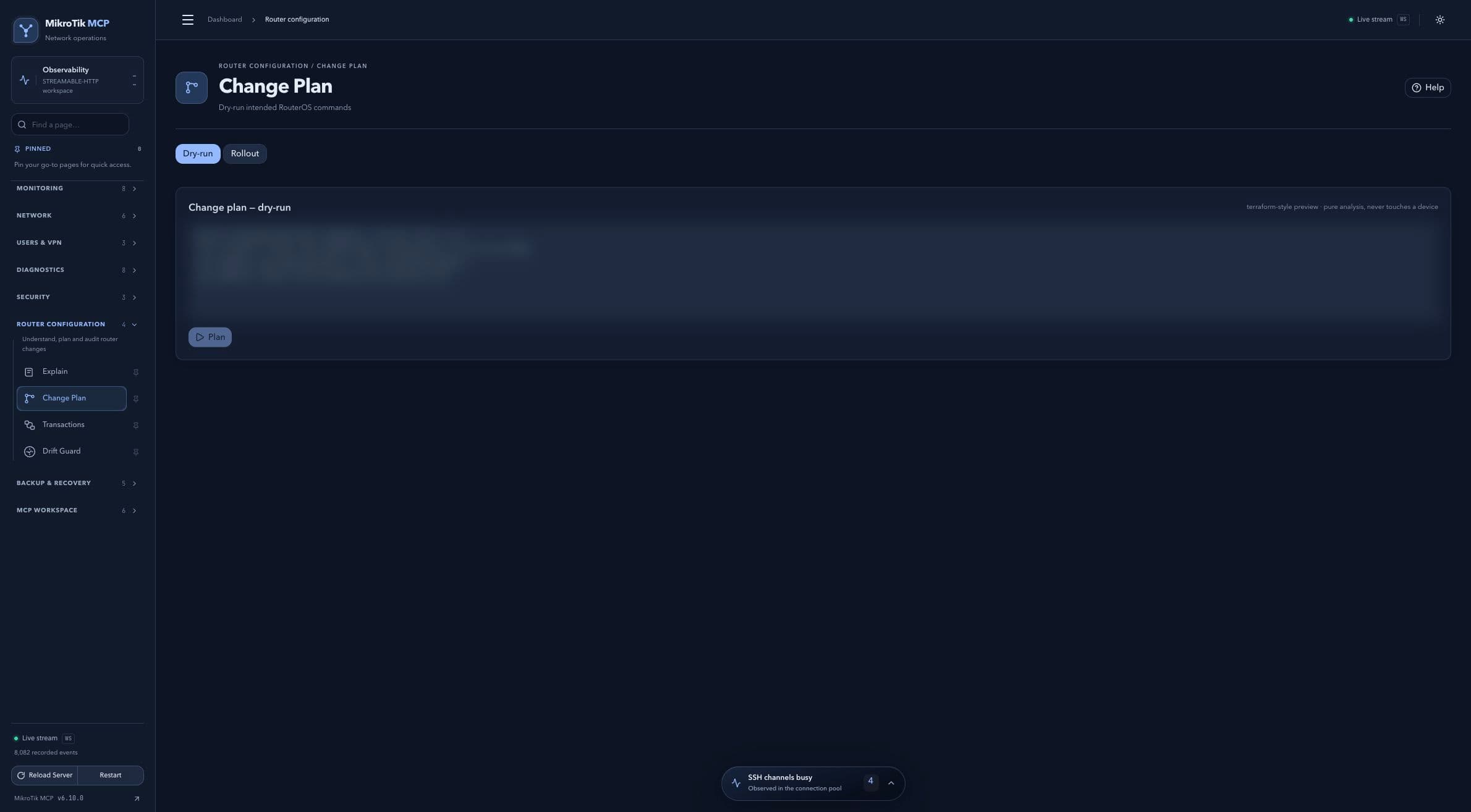 Full-page dashboard preview with IP addresses and snapshot/backup names blurredFull page · Click to enlarge ↗
IP addresses, snapshot/backup names and AAA/OpenVPN usernames are blurred in this full-page capture.