
Inspect one wireless controller
Open Network → CAPsMAN (#capsman) and select a router.
The manager panel reports the supported controller service and its verified enabled/disabled state. Refresh status rereads it. The fabric view below shows AP/radio/client counts, band split, co-channel conflicts, findings and radio cards grouped by floor.
Radio cards show channel, proposed channel when available, client count, CPU and conflict indicators. Unfloored devices use inferred grouping. Optional radio-load trends show recorded client counts; missing history does not mean zero load.
Audit coverage and roaming
Review weak-signal clients, suggested neighboring APs and expected signal gain. A coverage-gap label means no recommendation is available. The roaming/HA audit lists severity, confidence and suggested action.
A fabric collector's “local radio view” is separate from manager-service status. Failed or unsupported reads should not be treated as a clean audit.
Configuration actions
Each write asks for confirmation and uses a configuration snapshot, Safe Mode and verification.
| Action | What changes |
|---|---|
| Enable / Disable manager | Starts/stops the selected controller service with its existing configuration. CAP clients may disconnect; enabling may activate existing provisioning rules. |
| Apply channel plan | Applies proposed channels on supported RouterOS v7 Wi-Fi radios; clients may briefly re-associate. |
| Auto-balance | Adjusts connection priority toward eligible neighboring radios for new clients. |
| Enable FT | Enables fast roaming and aligns the mobility domain; clients may briefly re-key. |
| Harden HA | Enables peer-certificate requirements. It does not automatically deploy a second controller or configure every CAP. |
| Steer | Applies a hard signal-range rejection on the current radio; the client may disconnect and still decides where to associate. |
Use a wired or independent management connection for changes. Refresh after an uncertain outcome rather than repeatedly applying it.
See CAPsMAN setup, audits and supported writes.
Screen preview
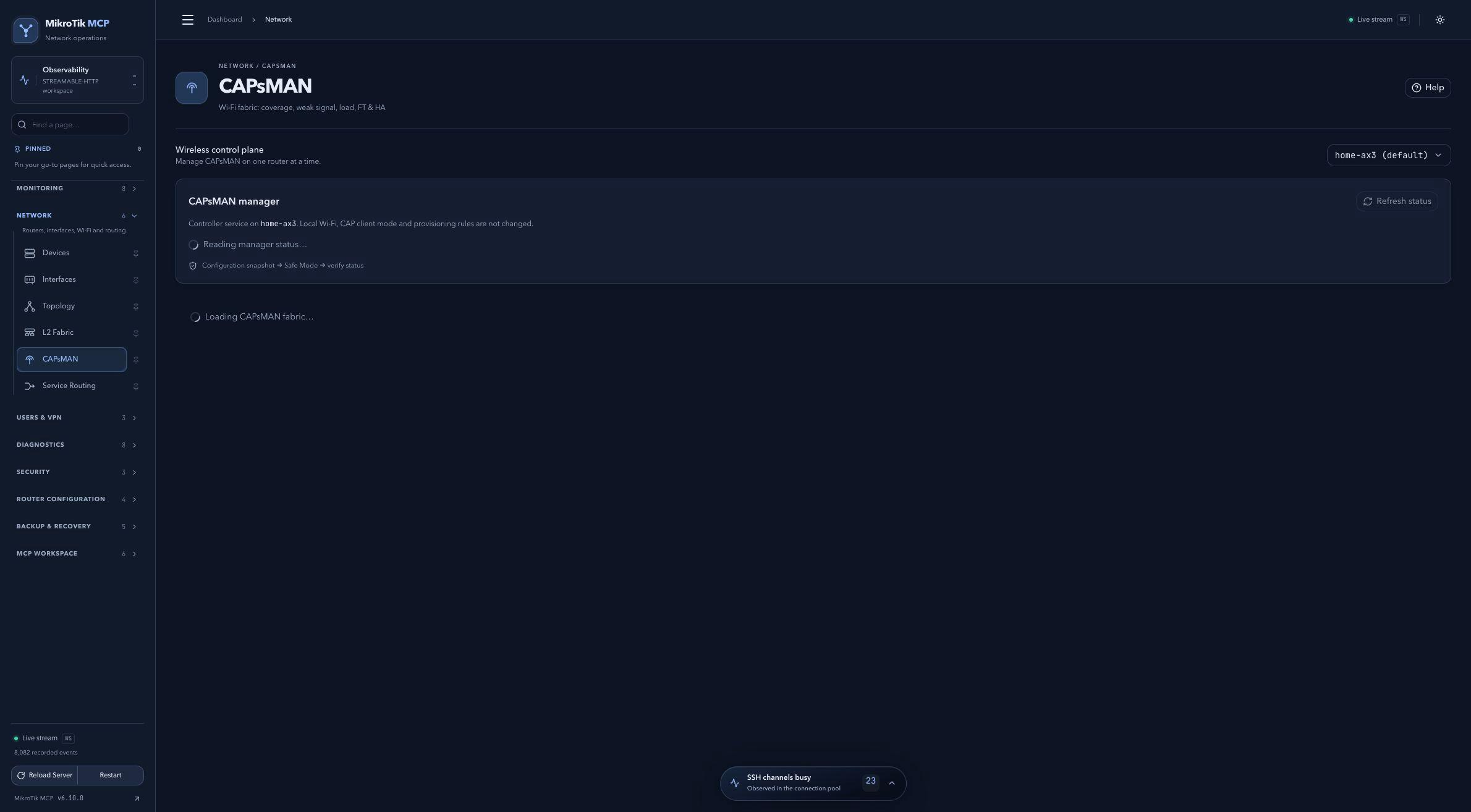 Full-page dashboard preview with IP addresses and snapshot/backup names blurredFull page · Click to enlarge ↗
IP addresses, snapshot/backup names and AAA/OpenVPN usernames are blurred in this full-page capture.