
See alerts and verify delivery
Open Monitoring → Alerts (#alerts). Configure rules and destinations in the alerts settings, then reload the server as required. See Alerting for channels, triggers, timing and credentials.
Respond to current state
Firing alerts appear first, with severity, subject and start time. Mute 1h suppresses the rule temporarily. The rules list is ordered by urgency and shows the trigger, destination channels, hold duration (for), cooldown, mute deadline and warnings.
Enable/Disable, Mute/Un-mute and Remove change alert rules on this host. They do not repair router connectivity. These controls act directly without an additional confirmation dialog; refresh and inspect the returned state after changing them.
Test a channel
Test sends a real test message to the configured destination. The result reports delivery success/time or an error. Displayed webhook addresses are redacted, but a successful test only verifies that delivery attempt, not future availability.
Read history
Choose the last hour, 24 hours or 7 days. History shows fired/resolved events and successful delivery counts. Hover the delivery summary for per-channel outcomes. An event with no successful deliveries is not evidence that anyone received it.
Nothing firing can also reflect disabled rules or missing inputs. Review rule warnings and configured channels alongside the status.
Screen preview
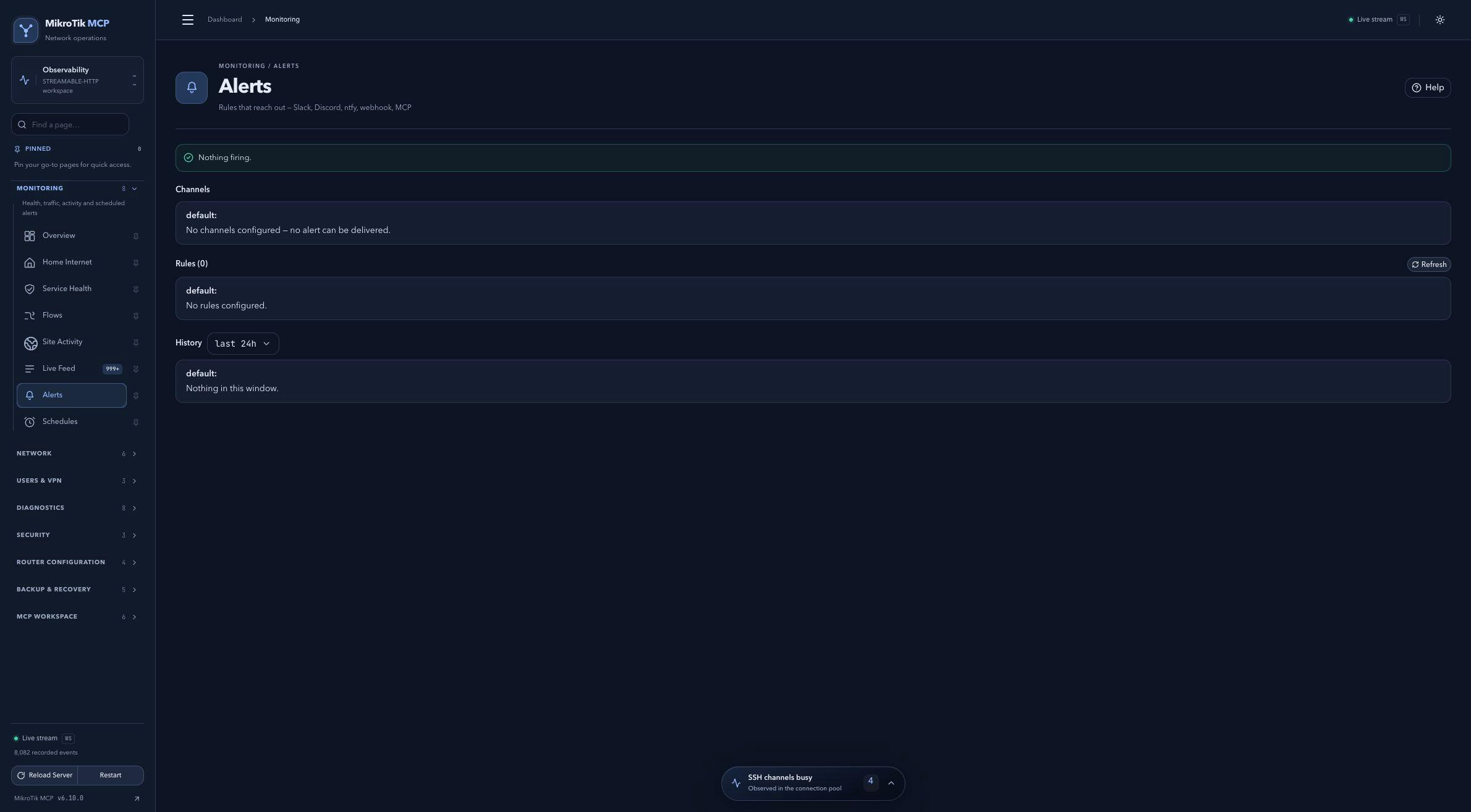 Full-page dashboard preview with IP addresses and snapshot/backup names blurredFull page · Click to enlarge ↗
IP addresses, snapshot/backup names and AAA/OpenVPN usernames are blurred in this full-page capture.