
Turn configuration into a readable document
Open Router configuration → Explain (#explain). Select a router and either live device or one of its saved snapshots, then select Explain. Live mode reads an export; it does not modify the router.
The result includes inferred roles, subnets, interfaces, configuration-derived exposure, a bridge/port topology and a Markdown architecture narrative. Read Not covered and the source label before relying on it: exposure is an analysis of configuration, not an external reachability test.
Compare changes
Select Compare, choose a baseline snapshot, then choose another snapshot or the current device. Explain the difference groups interpreted consequences by severity and impact. An identical narrative only means the analyzed structures match; use Snapshots for an exact line diff.
Save the document
Copy Markdown copies the generated document. Download saves it as a Markdown file. Review network details before sharing; the screenshot masking on this documentation site does not anonymize downloaded reports.
See configuration narratives for supported analysis and limits.
Screen preview
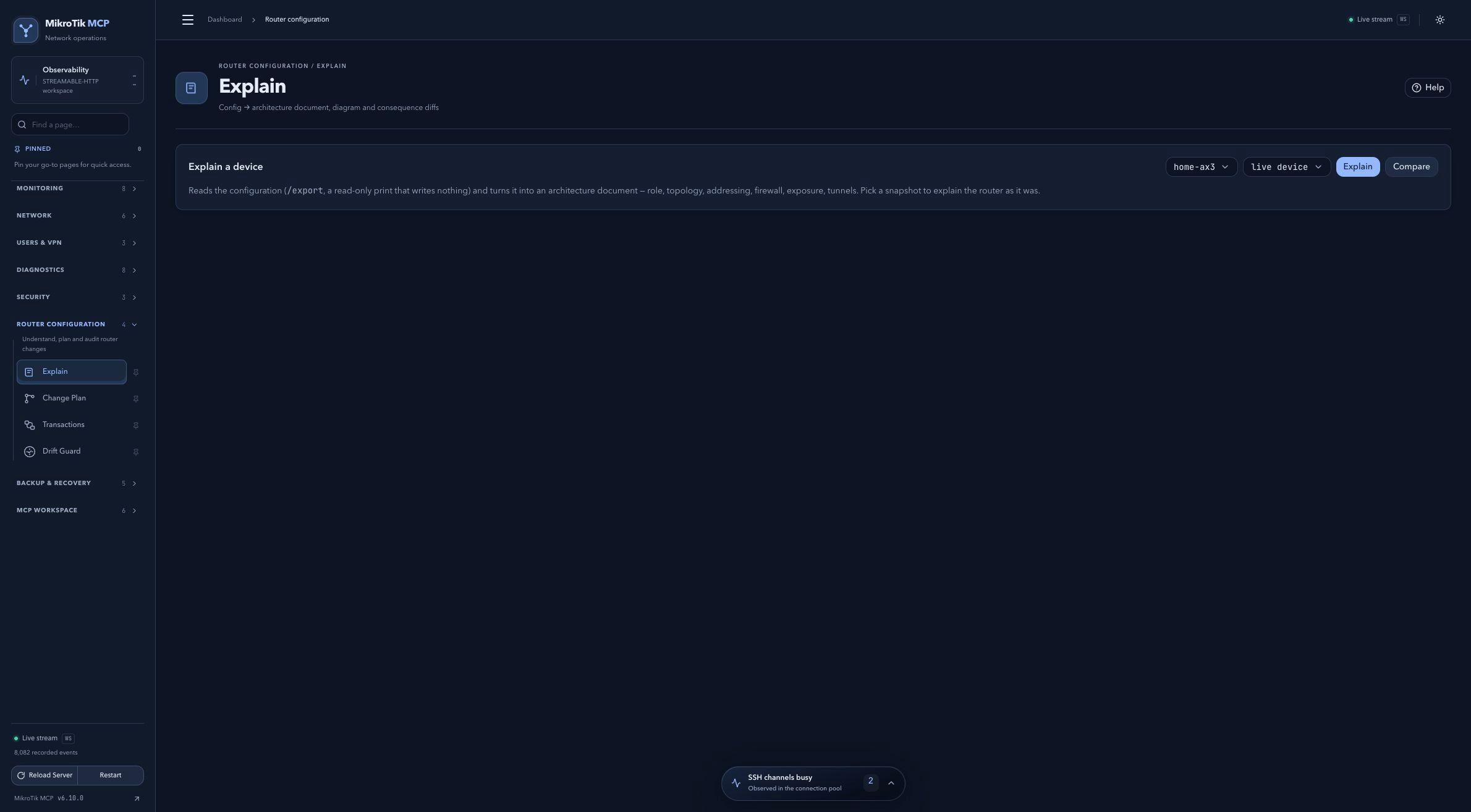 Full-page dashboard preview with IP addresses and snapshot/backup names blurredFull page · Click to enlarge ↗
IP addresses, snapshot/backup names and AAA/OpenVPN usernames are blurred in this full-page capture.