
Prepare a recovery rehearsal
Open Backup & recovery → Recovery Lab (#recovery-lab), select the source router and choose New rehearsal.
- Select an existing export snapshot.
- Choose Restore to import directly into a target version, or Upgrade to restore on the source version before upgrading.
- Select a pinned target version supported by your runner.
- Prepare the preview, then inspect its included records, excluded scopes and exact transmitted commands.
Preparation reads saved local data. It does not contact a production router or upload the snapshot. Without a configured runner, local preparation is still available.
Run, verify and clean up
| Action | Result |
|---|---|
| Review & run | Requires explicit confirmation before sending the reviewed portable subset to the displayed runner. |
| Check runner evidence | Reconciles the existing run, including an uncertain submission. Poll after a lost response instead of submitting again. |
| Clean up lab | Confirms removal of disposable resources belonging to this run. Saved evidence remains available. |
| Refresh / select a run | Reads locally recorded status, check results, coverage and cleanup evidence. |
The runner must report authenticated boot, import, read-back, reboot persistence and isolation checks. A green result covers only included records. Review untested rows and cleanup status as carefully as passed checks.
What this does not rehearse
The MCP orchestrates a separately deployed isolated CHR runner; it does not install QEMU or provide a hypervisor. Credentials, scripts, VPN secrets, unsupported configuration and hardware-specific behavior are excluded.
This is not a binary-backup restore test, throughput benchmark or proof that an entire production router will recover. Physical interfaces, Wi-Fi radios and switch ASICs cannot be validated by this portable rehearsal.
See runner setup, limits and lifecycle, the runner protocol and tools.
Screen preview
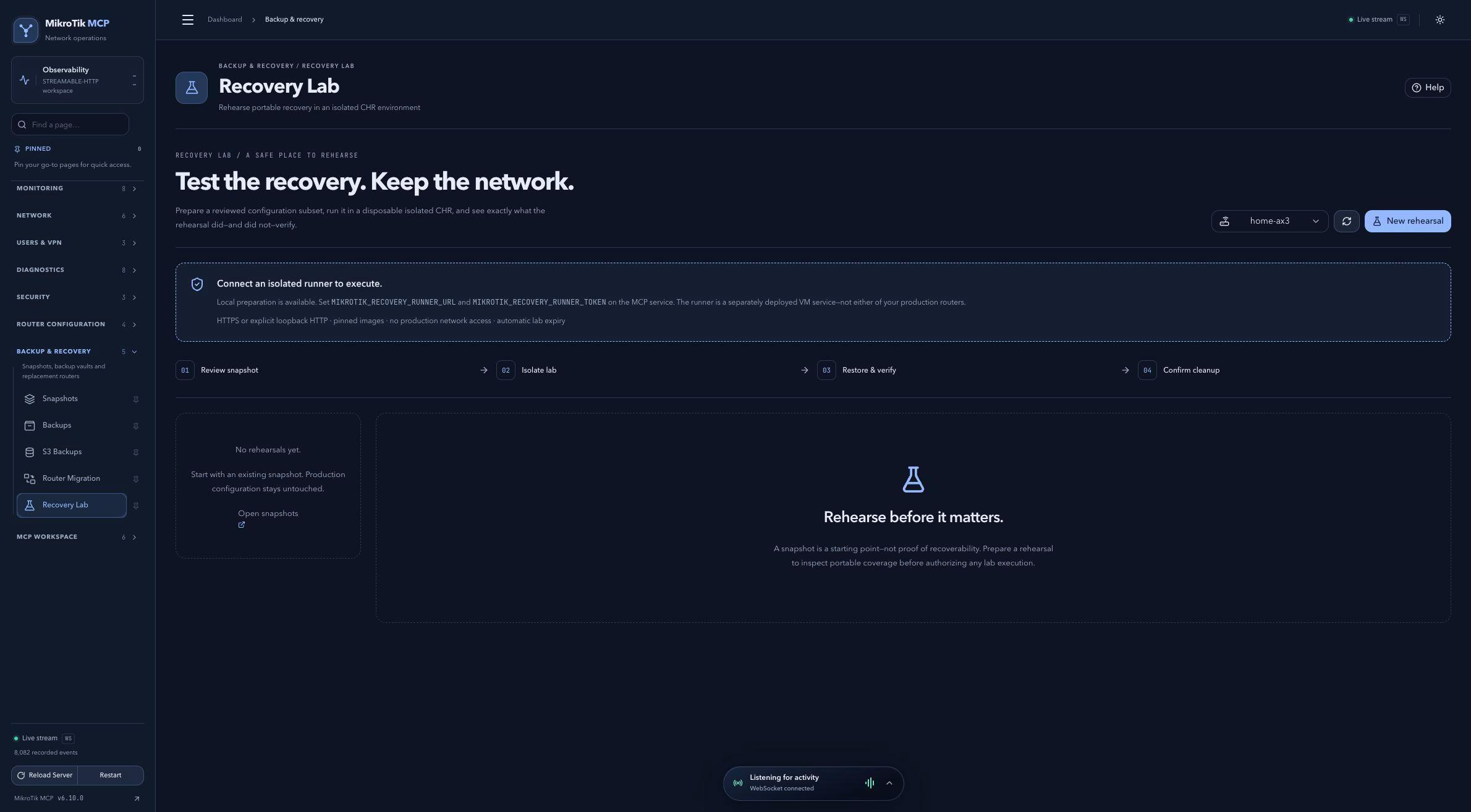 Full-page dashboard preview with IP addresses and snapshot/backup names blurredFull page · Click to enlarge ↗
IP addresses, snapshot/backup names and AAA/OpenVPN usernames are blurred in this full-page capture.