
Inspect a bounded packet capture
Open Diagnostics → Packet Capture (#packets). The page displays packets sent to this MCP host's TZSP receiver. It does not start router mirroring automatically.
- Use
start_packet_capturewith an address the router can reach, plus narrow interface/protocol/port filters. This changes the router's sniffer configuration. - Observe the running indicator, UDP port, packet/byte totals, protocol mix and top talkers.
- Read the latest 150 decoded summaries: capture time, protocol, length and endpoints. The display refreshes every 1.5 seconds.
- Download pcap to inspect retained frames in Wireshark.
- End the router capture with
stop_packet_capturewhen finished.
The dashboard Stop button stops the local receiver. Use the MCP stop tool to also clean up router-side sniffer streaming and managed mirror rules; closing the page is not cleanup.
Limits
Capture retention is bounded; pcap is the retained frame buffer, not an unlimited archive. Offloaded traffic may never reach the router CPU, and UDP loss can omit packets. Captures can contain payload and credentials: review access and storage before sharing them.
See Packet Capture Studio for setup, targeted mirrors, retention and cleanup.
Screen preview
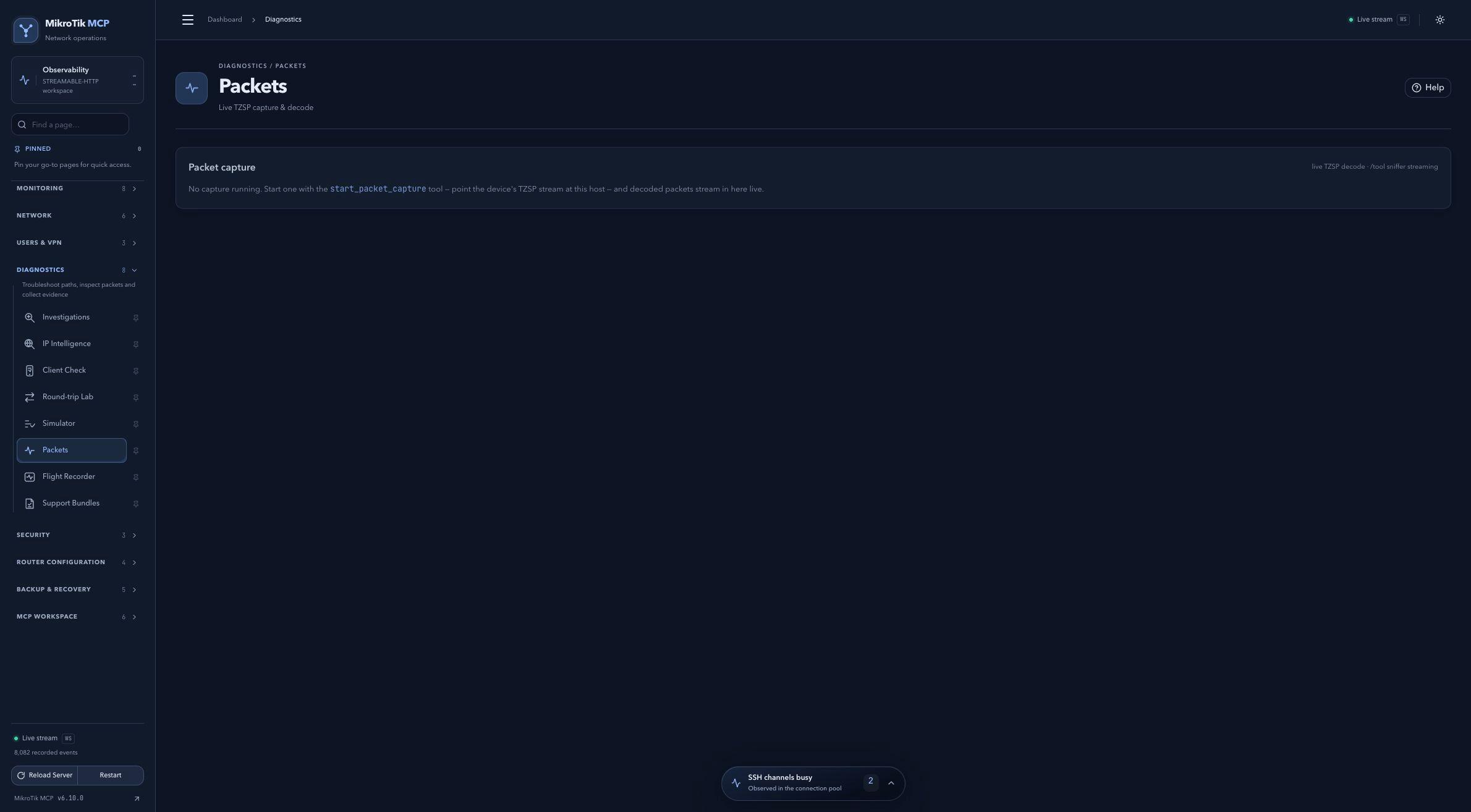 Full-page dashboard preview with IP addresses and snapshot/backup names blurredFull page · Click to enlarge ↗
IP addresses, snapshot/backup names and AAA/OpenVPN usernames are blurred in this full-page capture.