
Watch recurring audit results
Open Monitoring → Schedules (#schedules). Jobs run on the MCP host, not RouterOS /system scheduler; the host must be running when work is due.
Create jobs with add_schedule or the schedules configuration. The empty page lists supported auditors. Only enrolled read-only auditors can run; an arbitrary tool name is not a scheduled job. Use Scheduled Audits for cron syntax, configuration and notification rules.
Controls and reports
- Select a job to filter its timeline, regressions, heat calendar and run history. Show all returns to the combined view.
- Run now performs an immediate audit and refreshes the reports. This is a real read against the configured devices.
- Remove deletes the job and its recorded history. The current page performs this immediately, without a separate confirmation dialog.
Cards show jobs/enabled jobs, critical findings, open findings and jobs whose latest run was not OK. Job rows show the schedule, tool, next/last run and severity totals. Run history shows the latest 50 displayed points, duration, outcome and new/worsened/resolved counts.
Read changes correctly
Comparisons use the last successful result per device. The first successful run establishes a baseline. Unchanged findings remain visible without repeated change notifications; a failed read does not prove a router is clean. Empty calendar cells mean no recorded run, not zero findings.
Screen preview
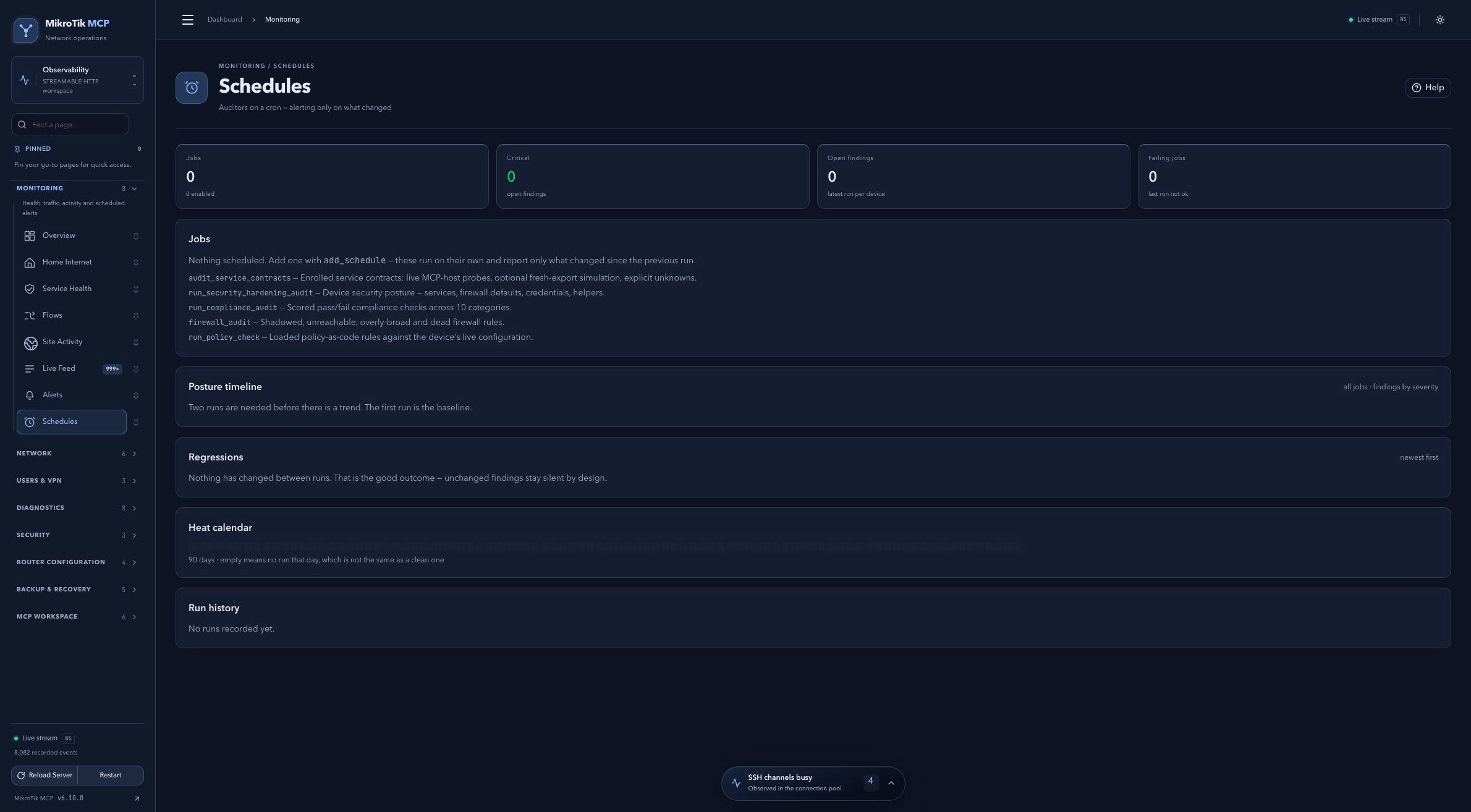 Full-page dashboard preview with IP addresses and snapshot/backup names blurredFull page · Click to enlarge ↗
IP addresses, snapshot/backup names and AAA/OpenVPN usernames are blurred in this full-page capture.