
Follow a coordinated change
Open Router configuration → Transactions (#txn). Start a transaction through the transaction tools; the dashboard shows live progress and recorded history.
The summary counts recorded, in-flight, partial and committed transactions. Select a history row to inspect its participant lanes, phase, warnings, assertions and timestamped event timeline. Refresh reloads history; live transaction events also update it.
Understand the states
| State | Meaning |
|---|---|
| In flight | Changes may be staged in each participant's Safe Mode session but are not yet committed. Staged changes can already affect traffic. |
| COMMITTED | Every participant reported committing. This is not a substitute for meaningful assertions and a real service check. |
| ABORTED | Inspect rollback evidence before retrying. |
| PARTIAL | Some participants committed or rollback needs attention. Manual recovery is required. |
This is a best-effort coordinated commit, not an all-or-nothing distributed database transaction. Commits happen sequentially and may leave the fleet inconsistent after a failure.
Abort and recover
A live transaction's Abort action requests rollback of its staged, uncommitted participants. It cannot undo already committed changes automatically.
For PARTIAL, inspect every participant and the listed snapshot IDs. Compare those snapshots with live configuration before deciding on recovery; do not blindly retry the original transaction.
Assertions show their own pass/fail details. No declared assertions means no service-level verification, even if commands completed.
See transaction preparation, assertions, commit order and recovery.
Screen preview
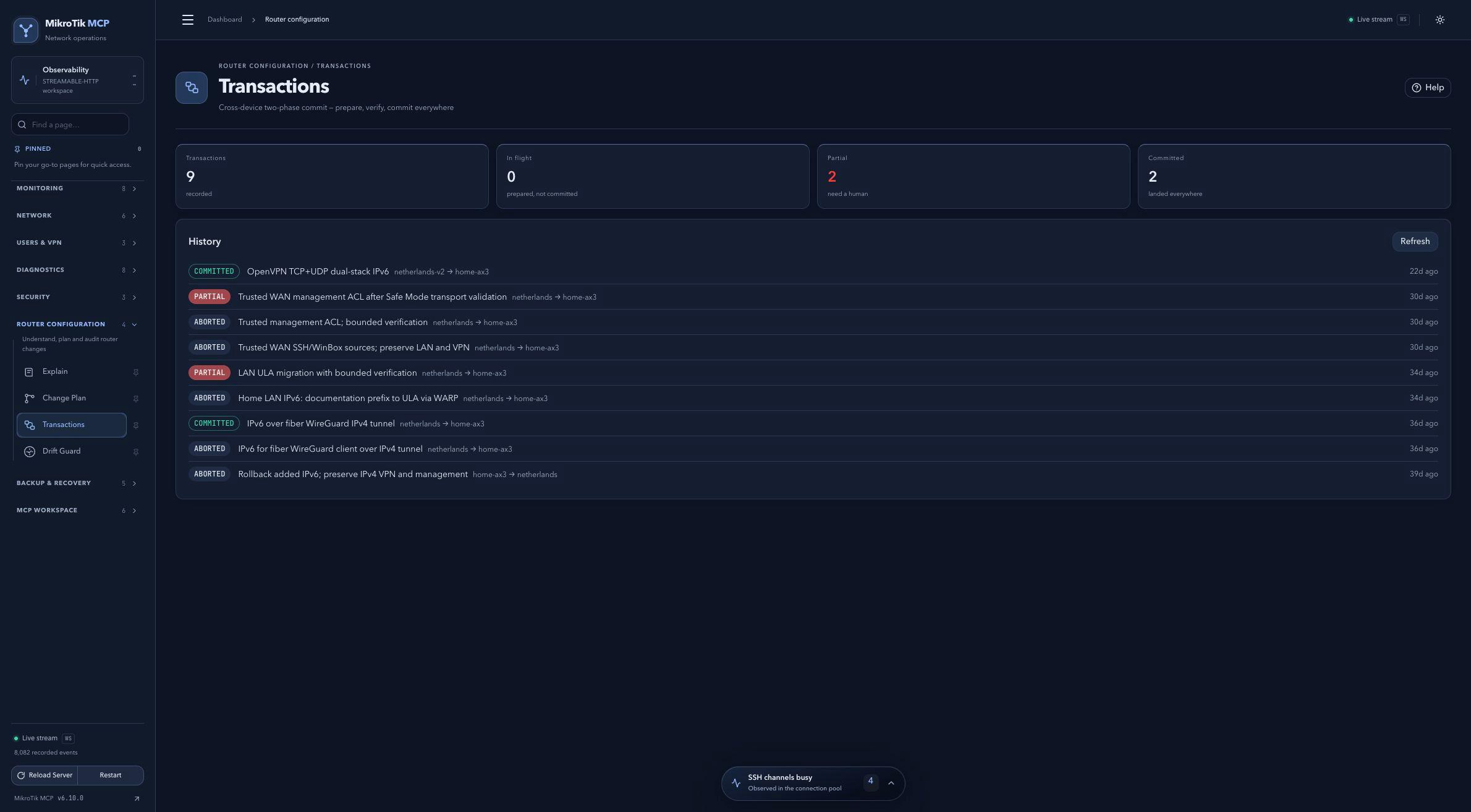 Full-page dashboard preview with IP addresses and snapshot/backup names blurredFull page · Click to enlarge ↗
IP addresses, snapshot/backup names and AAA/OpenVPN usernames are blurred in this full-page capture.