
Manage off-host backup objects
Open Backup & recovery → S3 Backups (#s3). Configure the s3 block with a bucket, endpoint/region as required and credentials. Use configuration for the settings and upload_backup_to_s3 to create objects; this page has no upload form.
The table shows the configured target, object key, size and last-modified time. Refresh reloads it. A truncated marker means the displayed response is incomplete; it is not the total bucket inventory. The current page has no key-prefix filter or pagination control.
- Download opens a presigned URL. Treat that URL as temporary access to the object and do not publish it.
- Delete → Confirm removes the selected remote object; Cancel leaves it unchanged. Do not assume an application undo is available.
For text exports stored on the MCP host, use Backups. S3 storage does not itself prove a backup can be restored; test recovery separately.
Screen preview
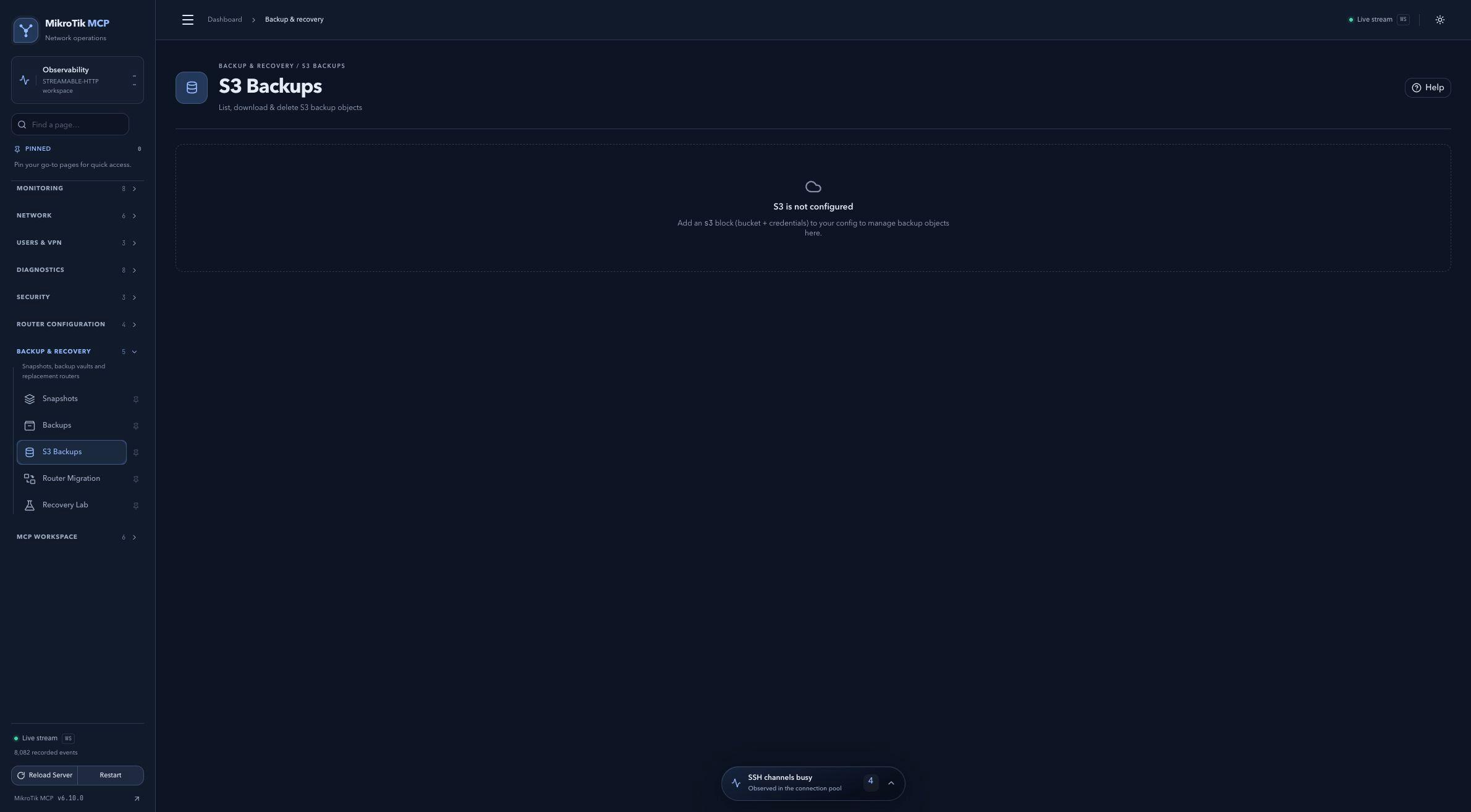 Full-page dashboard preview with IP addresses and snapshot/backup names blurredFull page · Click to enlarge ↗
IP addresses, snapshot/backup names and AAA/OpenVPN usernames are blurred in this full-page capture.